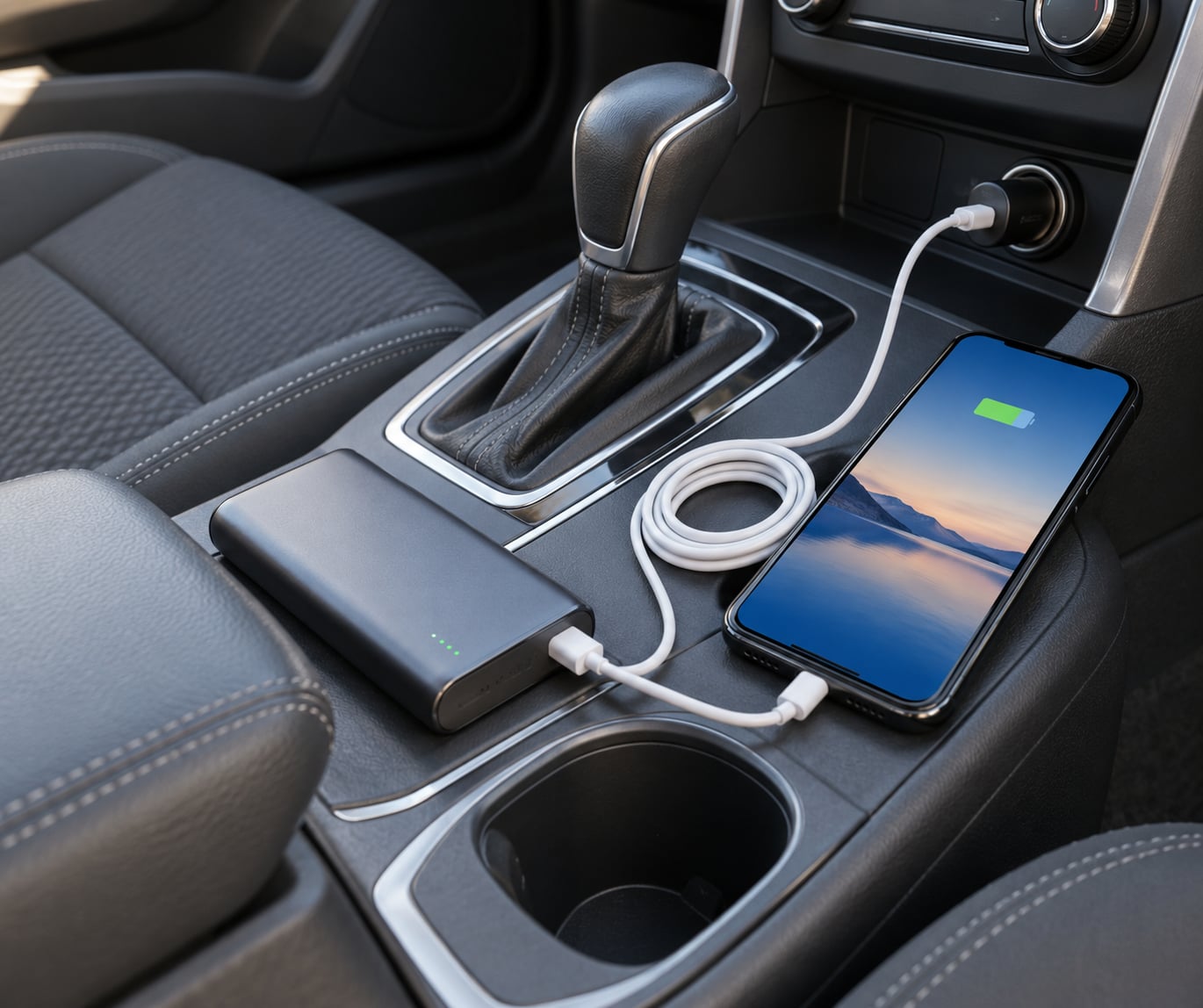
You can charge devices while driving with a 12V socket adapter, a built-in USB port, a wireless charging pad, or a power bank you charge before you leave. Set everything up while parked, keep the driver off the phone, and unplug when you stop so your car battery is not the thing that dies first.
Getting this right takes about ten minutes of prep. The whole setup fits in a glovebox, costs less than a tank of gas, and removes the most common roadside problem there is: a phone that dies somewhere between one town and the next with no working charger in sight.
Most advice on how to charge devices while driving stops at plug it into the cigarette lighter. That part matters, but the decisions that actually decide whether you run out of power three hours from anywhere are made before the engine starts. This guide walks through what to pack, the order to set it up in, what to watch while the miles pass, and the handful of habits that keep both your phone battery and your car battery healthy.
Updated for 2026 road trips, winter driving, and the family sedan as well as the van.
Table of Contents
- What You Need
- Step-by-Step: How to Charge Devices While Driving
- Common Mistakes
- Frequently Asked Questions
- How can you charge your phone in the car?
- Will charging my phone with the car off drain the battery?
- Can you charge your phone in the car with the engine off?
- Does leaving a phone charger plugged in damage the car battery?
- How do car batteries charge while driving?
- Can you touch your phone in a holder while driving?
- Conclusion
What You Need
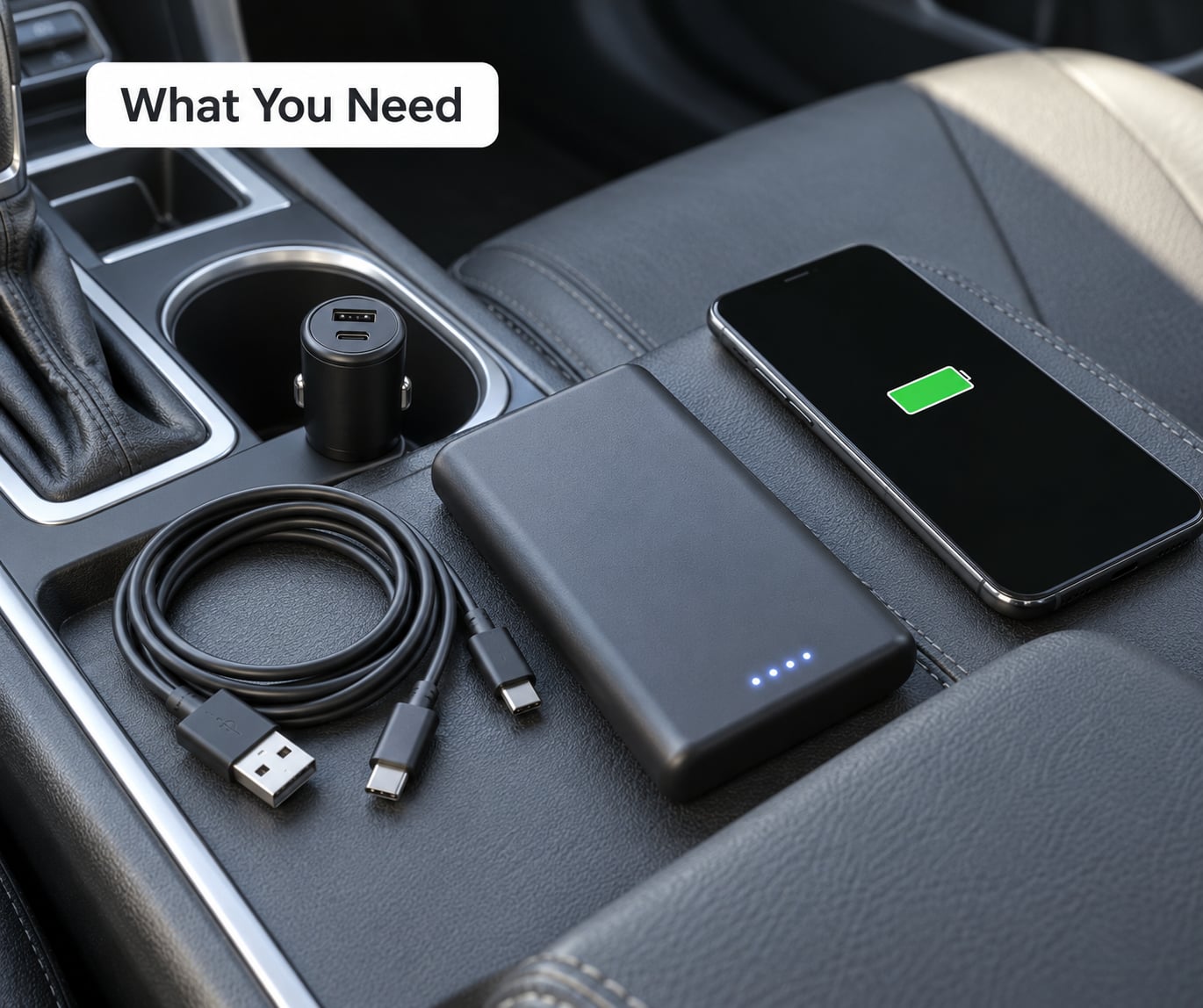
A reliable in-car charging kit has four parts. Anything missing from that list becomes a problem exactly when you need it most, which is usually in a rural stretch with no signal.
- A 12V socket adapter. This is the workhorse. Look for one rated at least 2 amps so your phone charges at a normal clip rather than trickling. A USB-C Power Delivery adapter with a higher total wattage rating charges a phone or tablet properly, and one with two or more ports handles passengers. Certification marks such as UL, CE, or FCC are worth checking, and a built-in fuse protects your car if something goes wrong internally.
- Two cables you trust. Bring a spare. Cable failure is the most common reason a phone refuses to charge, and a cable frayed from a year in a bag is the first thing to replace. For an iPhone, an MFi-certified cable avoids the charging warnings that come with uncertified ones. Match the connector to your phone: USB-C on most recent Android phones and iPhones, Lightning on older iPhones, micro-USB on plenty of older Android hardware and accessories like dash cams and e-readers.
- A power bank charged to full before departure. This is your insurance policy and the single most-recommended item on every travel forum for this exact problem. Size it to the trip: a 10,000 mAh bank gives roughly one full phone charge plus change, a 20,000 mAh bank gives two and is still airline-legal in carry-on. Check the capacity is printed on the case, not just on the listing, and confirm the ports match your devices.
- A mount that holds the phone steady. A vent mount or dashboard mount keeps the phone visible for navigation without anyone picking it up.
Compatibility is simpler than the packaging suggests. If the adapter has USB-A ports it will charge anything with a USB-A cable, which covers most phones, tablets, cameras, dash cams, and GPS units made in the last decade. USB-C PD adapters cover newer phones and most laptops that accept USB-C charging.
Know when to stop relying on the vehicle. If your trip includes overnight stops away from a mains outlet, cold-weather driving, or stretches where you will sit in a parking lot running the engine, pack a power bank or a portable power station. A power station is a larger battery with AC outlets, which matters if you plan to charge a laptop. Run two devices at once and you also want a multi-port adapter, because one port cannot do the work of three.
Step-by-Step: How to Charge Devices While Driving
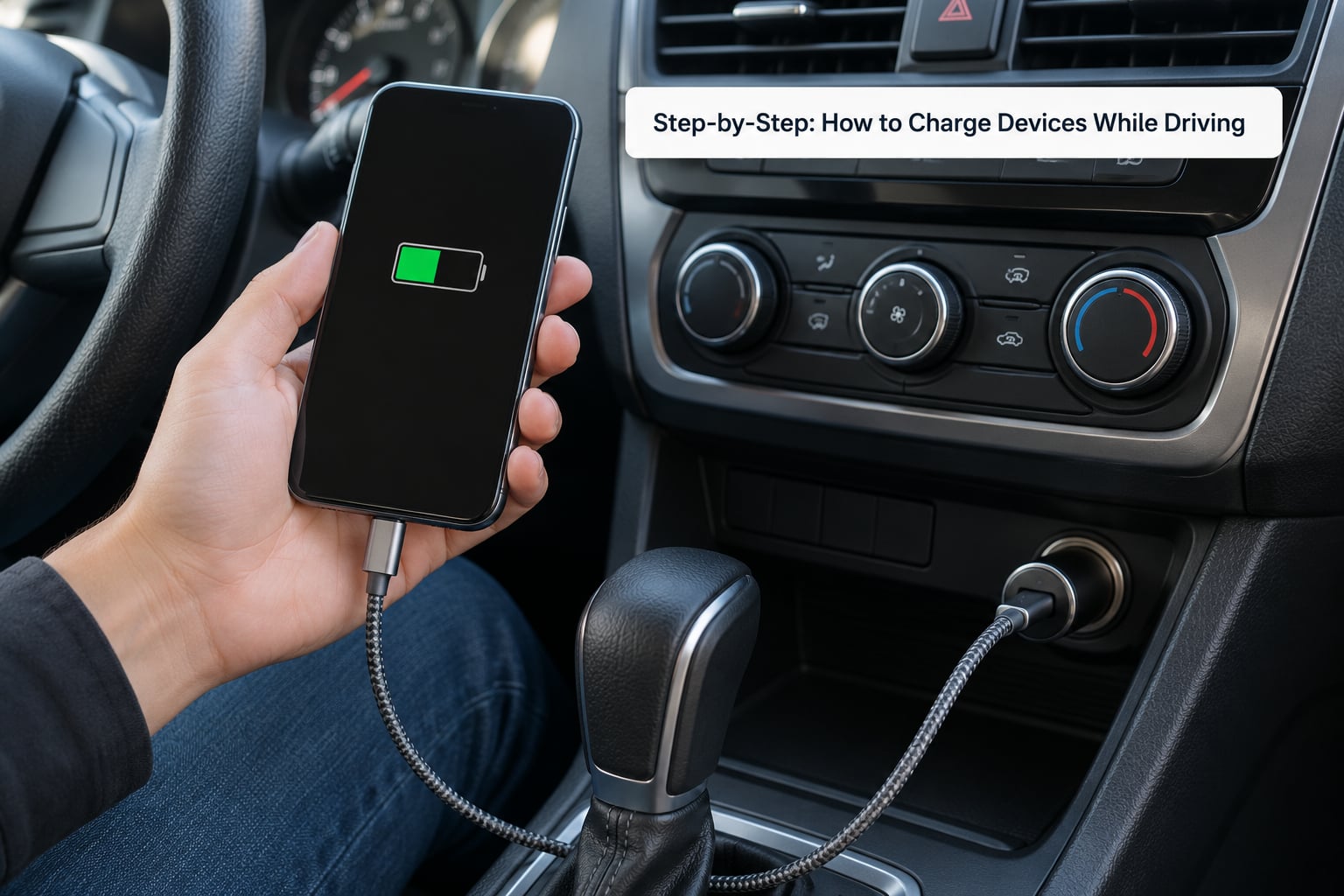
Step 1: Prepare Your Vehicle and Charging Kit
Start with the socket, not the phone. Push a finger into the 12V receptacle and check for grit, a loose fit, or a visible bent contact. Dirt in that socket is a common cause of adapters that heat up fast, and a plug that fits loosely can arc and damage the socket’s internal connectors over time.
Turn the key to the on position and plug in the adapter with no device attached. A working adapter shows a light or the phone’s charging state. If nothing happens, try a different socket. Some vehicles have one in the glovebox, one in the console, and one in the trunk, and they are not always wired the same way.
Charge the power bank fully the night before, at home, on mains power. A half-charged power bank is the most common reason travelers run dry. Lay out every cable you intend to use and check each one on a known-good charger, because a bad cable is much easier to replace before a long drive than halfway across a state line.
Step 2: Choose the Right Charging Method
Pick the method that matches the trip, not the one that looks newest. A 12V adapter handles a phone all day on any drive. Built-in USB ports are fine for a light load but often cannot keep pace with navigation. A wireless pad is convenient, not fast. A power bank covers everything the vehicle cannot.
The built-in USB port is the option most people reach for first and regret second. Many are wired to a lower-current circuit, commonly 1.5 amps, and your phone may draw more than that just running navigation with the screen bright. The result is a phone that sits at the same percentage for an hour while claiming to charge. If GPS is your main use, a 12V adapter beats the built-in port every time.
Wireless charging pads built into the console or a dash tray are the easiest option to live with, since the phone just rests on the pad. Qi is the standard shared by nearly all phones that support wireless charging. Expect roughly half the speed of a good wired connection and expect heat, which brings up the temperature problem in the mistakes section below.
A power bank wins when the engine is off. A portable power station wins when you need to charge a laptop or several devices over multiple days. A 12V solar panel is for the campervan or overlanding case where the vehicle sits for days at a stretch; the r/vandwellers consensus is that roughly eight hours of a small solar trickle charger adds about 3% to a vehicle battery, so treat solar as a slow top-up rather than a real power source.
Step 3: Connect Devices Before the Drive
Do all of this while parked. Have a passenger handle unfamiliar cables, or crouch and connect everything yourself before you start moving. The order matters: plug the adapter into the socket first, then the cable into the phone, then start the engine. Reversing that order sends a power surge through the phone at exactly the moment the alternator comes online.
Confirm charging the way a passenger would. Look for the charging icon, then check the percentage after two minutes. A phone that shows the icon but no percentage gain has a marginal power supply, usually a weak cable or an underpowered built-in port. Test your navigation before you pull out of the driveway so you know the mount holds and the route loads.
Step 4: Charge Safely During the Drive
Route the cable so it cannot reach the pedals, the shifter, or the driver’s hands. Run it along the console and clip it down at the mount, then leave a couple of inches of slack so a bump does not yank the plug out. This is the rule that turns a charging setup into a driving hazard: a cable that swings into the driver’s lap is worse than no cable at all.
Keep every object that is not fastened down in a bag or a door pocket. A phone on the passenger seat becomes a projectile in a sudden stop, and adapters are small enough to disappear under a seat and later grind into the mechanism.
Manage heat, because it does more damage than any charging mistake. A dashboard in direct summer sun can exceed 130°F, and a phone charging in that spot is a phone losing battery health permanently. Mount in the shade, run the air conditioning, or put the phone in the vent where the airflow is cool. If the adapter itself becomes hot to the touch, unplug it. That is a hardware fault, not normal behavior.
Unplug anything with a damaged cable, a bent connector, or a scorch mark. Then put the phone away. If you need to change the route, ask your passenger. In several states hands-free means no touching the phone at all, and no officer cares that it was plugged in.
Step 5: Monitor Battery Levels and Know When to Stop
Check progress at a fuel stop or a rest area, not at a red light and not by handing your phone to the driver. A ten-minute stop with the engine running lets the alternator refill what you spent and gets you a real reading on where your battery percentage is going.
Read the percentage trend, not the single number. A phone that holds steady is fine; one that drops a point every few minutes while plugged in means the power supply is underpowered and you should switch to the power bank or a mains charger at the next stop. If your phone battery is above 80% and it is warm, unplugging for the rest of the leg is kinder to the battery than holding it at 100% on the connector for hours.
Switch sources before you are empty. Below 30% is the moment to plug in the power bank rather than gamble on the next stop. For a laptop, use a power station with an AC output or a low-wattage inverter rated above what the laptop draws, and expect heat either way.
Common Mistakes
Most in-car charging problems are one of a handful of repeated habits. Each has a simple fix, and none require new equipment.
- Handling the phone while driving. Mount it and let a passenger or voice navigation handle changes. Reaching for a phone to check a percentage costs more attention than any other task in the car.
- Leaving the adapter plugged in overnight. An adapter with a status LED draws a small but constant current. Over weeks, phantom drain is a real expense; unplug it when you park, which takes two seconds.
- Assuming the built-in USB port equals a wall charger. Many deliver 1.5 amps and cannot charge while running navigation. Check the output, and use a 12V adapter with at least 2 amps if your phone never gains charge.
- Charging in direct sun on the dashboard. Heat is the fastest route to a shortened battery lifespan. Shade the phone or use the vent.
- Leaving devices in a hot parked car. A parked car heats quickly even with the windows cracked. Take the power bank and any loose devices with you.
- Departing with a half-charged power bank. Charge it on mains the night before, and keep a mains cable in the car for long stops.
- Overrunning the car battery with the engine off. Everything in your car runs on that battery. Treat engine-off charging as a short top-up, not a plan.
| Method | Typical charge speed | Engine on required | Best for | Main risk |
|---|---|---|---|---|
| 12V socket adapter | Fast, full phone charge in about an hour with a 2A or better adapter | Yes, for anything beyond a short top-up | Everyday driving and long trips with the engine running | Dirty power from a cheap adapter; car battery drain if engine is off |
| Built-in USB port | Slow, often around 1.5 amps | Usually yes | Short trips and light use | Cannot keep pace with navigation; phone drains while plugged in |
| Wireless pad | Moderate, roughly half a wired connection | Yes | Phones without a cable reach | Heat, and slower than a cable |
| Power bank | As fast as its own output | No | Engine-off time, camping, dead zones | Arriving flat because it was not charged before departure |
| Portable power station | AC output, laptop capable | No | Multi-day trips, laptops, several devices | Weight; it does not recharge itself while you drive unless it accepts 12V |
| 12V solar panel | Very slow, hours for a single charge | No | Long stationary camping and vanlife | Slow enough that people expect more than it delivers |
The engine-off question deserves a real number rather than a shrug. A typical car battery holds roughly 45 to 60 amp-hours, and a phone charging from a 12V socket draws about 10 watts, which is close to 0.8 amps at resting voltage. That works out to somewhere around 20 to 40 hours of continuous charging on a healthy battery before it gets marginal for cranking. An older battery, a small car, cold weather, or a dashboard light and stereo still running all shorten that dramatically. So a half-hour stop with the engine off is unremarkable. Three hours is not.
Two situations account for most dead batteries in travel forums. One is leaving a phone charging overnight at a campsite or in a rest-stop parking lot. The other is a car with an always-on accessory socket that never fully sleeps, which r/mazda3 and r/CarsIndia both describe as a vehicle that drains itself overnight with nothing plugged in. If your car does that, unplug the adapter and expect the same problem whether or not a phone is attached.
| Symptom | Likely cause | Fix |
|---|---|---|
| No charging icon at all | Dead socket, dead cable, or an adapter that needs the ignition in the on position | Try a second socket, a second cable, and turn the key to on |
| Charging icon but percentage never rises | Supply below what the device needs, often a 1.5A built-in port | Use a 12V adapter rated 2A or higher |
| Adapter gets hot quickly | Low-quality unit or a dirty socket | Clean the socket and replace the adapter with a certified one |
| Bulbs dim when you plug in | Vehicle electrical system struggling, often an aging battery | Unplug extra loads and have the battery tested |
| Car will not crank the next morning | Device or accessory drained the battery overnight | Unplug everything and charge the phone from a power bank instead |
| Warning about liquid or an unrecognized accessory | Uncertified cable or a connector that is not seated | Reseat the connector and replace the cable |
Two safety rules cover most of the rest. First, buy certified accessories and a spare cable rather than the cheapest option in the tray at the gas station; r/vandwellers and the campervan groups repeat the same complaint about cheap 12V adapters overheating and blowing fuses. Second, keep every device handling out of the driver’s hands. A phone charging in a mount is easy to glance at and easy to touch, which is exactly the problem.
Leaving the phone plugged in at 100% all day will not destroy it, because modern phones stop drawing current when full. What degrades a battery is sustained heat and long spells at a high charge state, so a warm phone on a charger for six hours is worse for longevity than unplugging at 80% and topping up later.
Frequently Asked Questions
How can you charge your phone in the car?
Plug a 12V socket adapter into the auxiliary power outlet, connect your phone with a USB-C or Lightning cable, and start charging. A 2-amp or higher adapter charges normally. Your car may also have built-in USB ports and a wireless charging pad, but those are usually slower. Many travelers pack a power bank as backup for stops with the engine off.
Will charging my phone with the car off drain the battery?
Yes, but slowly, and only if you go on too long. A phone charging from a 12V socket draws roughly 10 watts, close to 0.8 amps. On a healthy 45 to 60 amp-hour battery that gives you around 20 to 40 hours. A half-hour stop is fine. An overnight stop will leave you stranded, especially with a cold-weather or older battery.
Can you charge your phone in the car with the engine off?
You can, and plenty of people do it at rest stops and campsites. The car battery supplies the power, so the limit is how much charge it can give up before it will no longer crank the engine. Keep engine-off charging to short top-ups, unplug as soon as your phone is full, and avoid leaving anything plugged in overnight on a car with an always-on accessory socket.
Does leaving a phone charger plugged in damage the car battery?
On its own, no. An empty adapter with a status LED draws a very small current, but that phantom drain adds up over weeks of parked nights and can leave a battery too weak to start. The real risk comes from leaving a phone charging for hours with the engine off. Unplug the adapter when you park and you remove both problems at once.
How do car batteries charge while driving?
The alternator does it. With the engine running, the alternator converts engine rotation into electricity, supplying your devices directly and topping up the 12V battery at the same time. A healthy battery reads about 12.4 to 12.6 volts at rest and higher with the engine running. This is why charging with the engine on is essentially free of battery cost.
Can you touch your phone in a holder while driving?
In many states, no. Hands-free laws generally mean the driver cannot touch the phone at all, even mounted and even while it charges. A mounted phone is still visible for navigation and still needs a passenger or voice input to change anything. Plan the route before departure and treat every change as a reason to pull over safely.
Conclusion
The first step takes ten minutes and solves most of the problem: pick a 12V adapter rated 2 amps or higher, pack a spare certified cable, and charge a power bank to full on mains power the night before you leave.
After that, the whole habit set is short. Set up while parked, route cables away from the pedals, keep the phone out of direct sun, and unplug the adapter whenever you stop the engine. Charging devices while driving is not a complicated skill, but doing it in the right order keeps your phone alive through the drive and your car able to start when you arrive.